Quote:
Originally Posted by jaykay

Thank you; good information! I would think that a constant charge would kill your battery, but I can certainly see the advantages. I would have thought that the power to the aux port would die if the radio is switched off.....but then thinking about it the old CD changer is always live when you go to eject the magazine.
I think the ideal solution is to have a dash mounted switch to select charge or no charge; splicing a switch in the cable. Doing this with properly with a 986 momentary contact switch seems a bit messy....
How did you get it to wake and sleep via tap or gestures on the screen? I see no good option other than to jailbreak and and hack it.
|
The charge is not that big of a draw, I never had an issue with the battery and it is much more convenient. Touch ID works to turn it on. To turn off, you add a little White dot to the screen which will allow you to lock the screen. Here are the instructions:
How to Add Touchscreen Home Button on iPhone, iPad
Open Settings.
Go to General > Accessibility.
Scroll down to the section labeled INTERACTION and tap on AssistiveTouch.
On the next screen, toggle AssistiveTouch to the green On position.
A white circle with a grey box will appear on screen. Tap this circle to expand it to a big box on screen.


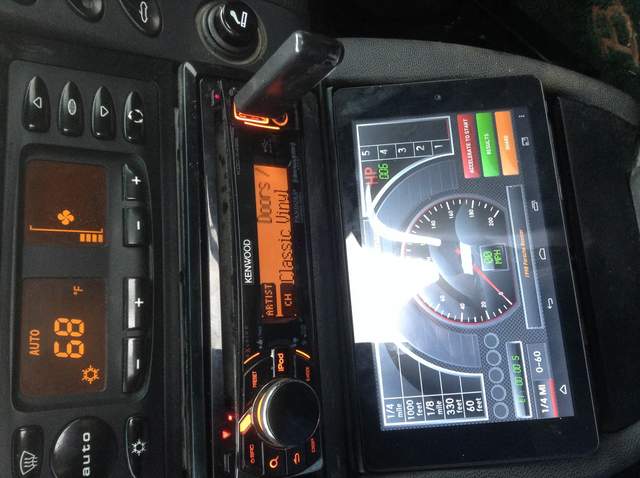


 2001 Boxster S


 Linear Mode


